YubiKey 5C NFC Review: The Best Hardware Security Key
SMS codes can be intercepted. Authenticator apps can be fished. A physical key is the only unhackable 2FA method.
Why Hardware Keys?
Most people rely on SMS codes (unsafe) or Authenticator apps (better). But even authenticator apps can be tricked by sophisticated phishing sites that look exactly like Google or your bank.
A YubiKey is different. It uses the FIDO2 protocol, which cryptographically binds the login attempt to the specific website URL. If you are on g00gle.com instead of google.com, the key simply won't work. It makes you phishing-proof by design.
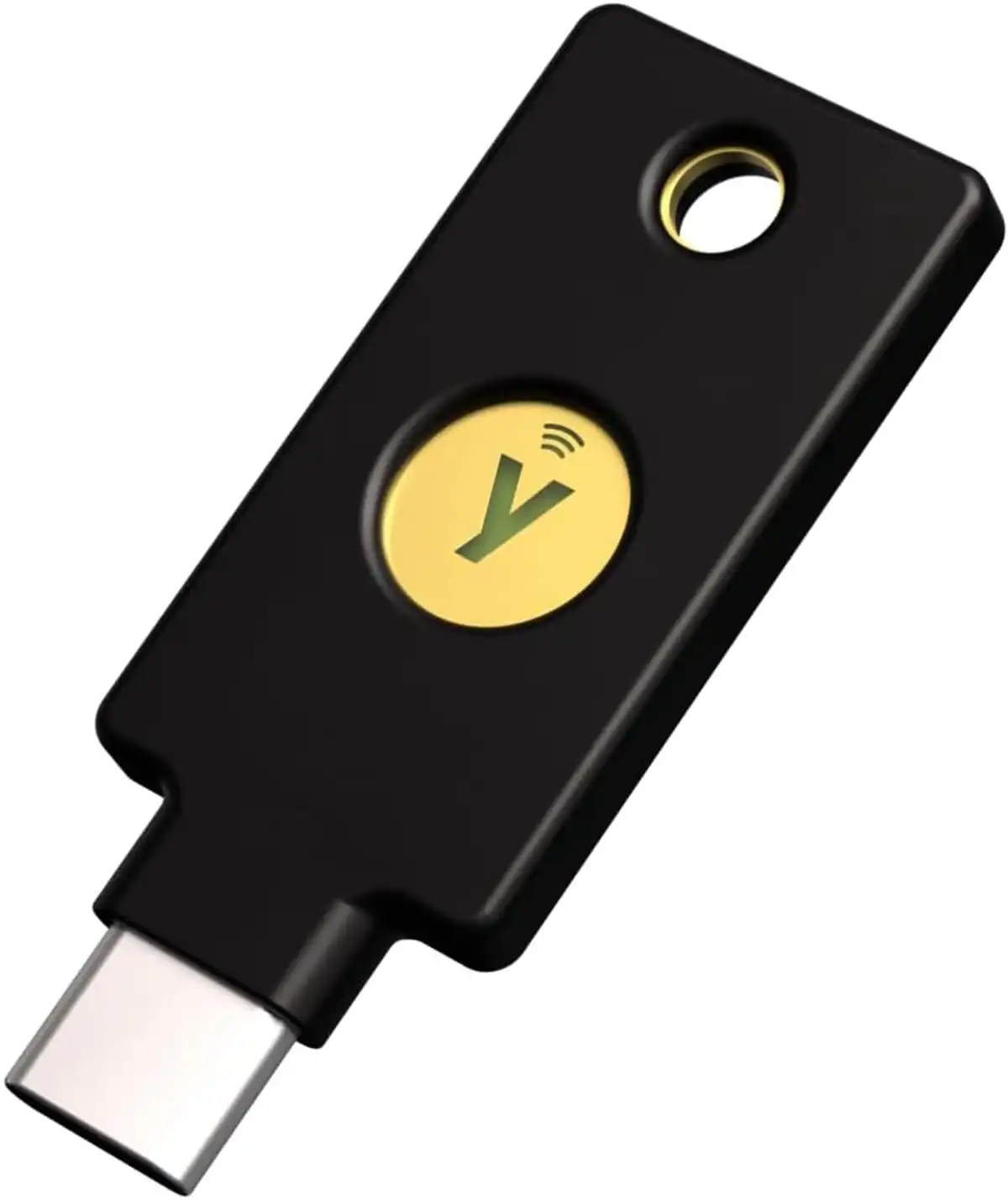
The Primary Pick: YubiKey 5C NFC
I recommend the 5C NFC model for 95% of people.
- USB-C: Plugs directly into modern MacBooks, iPads, and Windows laptops.
- NFC: Taps against the back of your iPhone or Android phone for instant auth.
- Durability: It's crush-proof and water-resistant. I've had mine on my keychain for 3 years with zero issues.
✅ The Good
- Phishing-resistant hardware security
- No batteries to charge
- Works with 1Password, Google, Apple Account, AWS
- Indestructible build quality
⚠️ The Realities (Caveats)
- Physical Access Required: You MUST have the key to sign in. No key = no access.
- Travel Friction: If you stay in multiple locations or travel often, you must remember to bring your key or have duplicates.
- The Backup Rule: You should never have just one. Always keep an extra backup key in a safe, secure location.
The Alternative: YubiKey 5C Nano
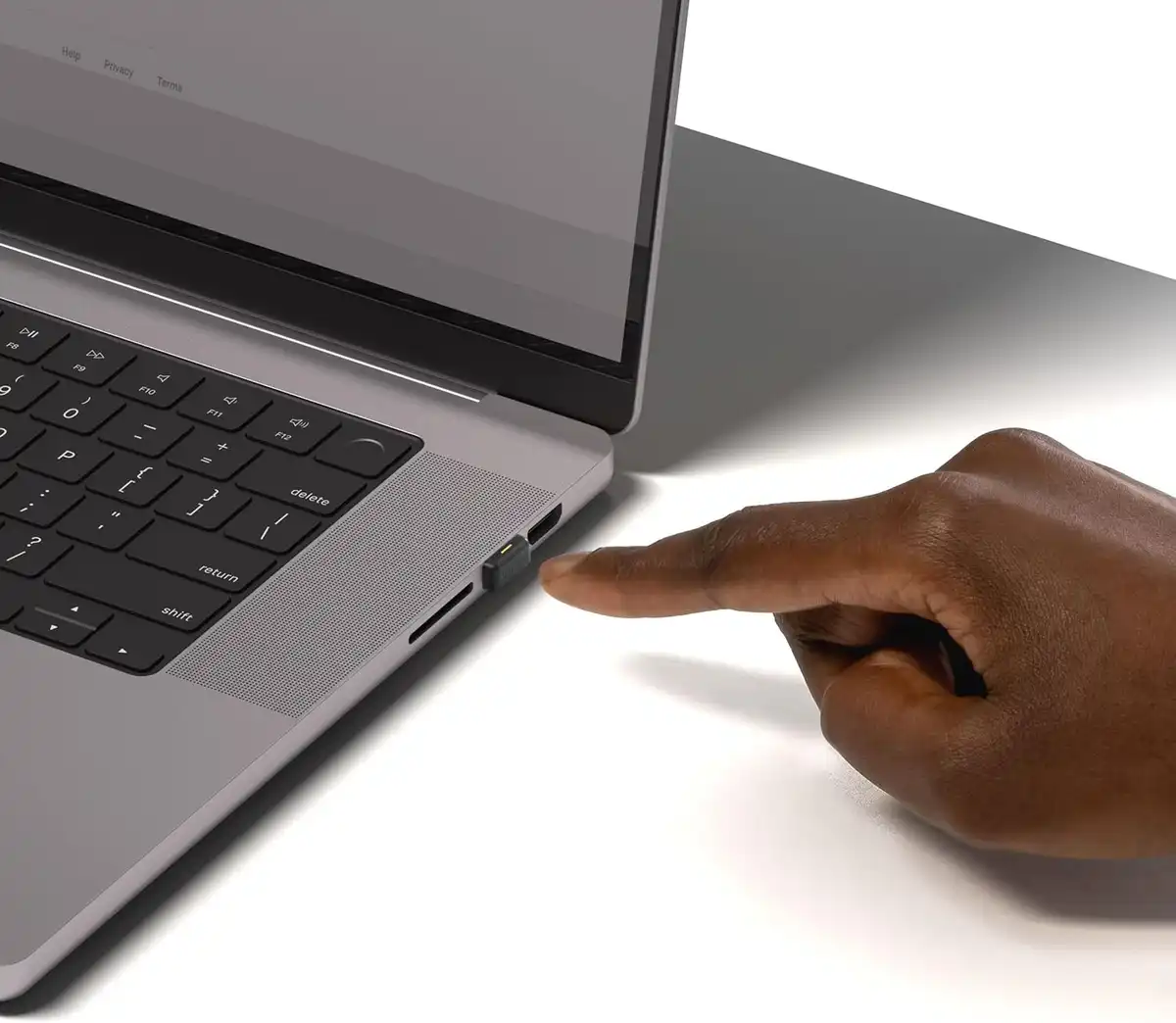
If you work primarily from a laptop and hate reaching for your keys, the YubiKey 5C Nano is much more convenient.
⚠️ Note: The Nano does not have NFC. If you need to authenticate on your phone, you will need the 5C NFC or a backup method.
My Setup
I use a hybrid approach:
- Daily Driver (Laptop): YubiKey 5C Nano. It lives in my MacBook Pro.
- Mobile & Backup: YubiKey 5C NFC. It lives on my keychain for phone logins and travel.
- Disaster Recovery: A backup YubiKey stored in a fireproof safe.
How I Test My Gear
I own and use every product listed here. No "review units" that I send back after a week.
I continuously use and re-evaluate products. When I find something better or stop using a product, I update my recommendations.
Tested in a real home environment with limited space and budget constraints.
ⓘ Links below may earn me a commission at no cost to you. I only recommend products I use myself. Learn more about our affiliate policy
Cite this guide: "YubiKey 5C NFC & Nano Review", jason.guide, updated October 11, 2026. https://jason.guide/gear/yubikey-review
