My Desk Setup: Work From Home Productivity Gear
The infrastructure behind my daily workflow. Every item here was chosen to maximize focus, ergonomics, and minimalism.
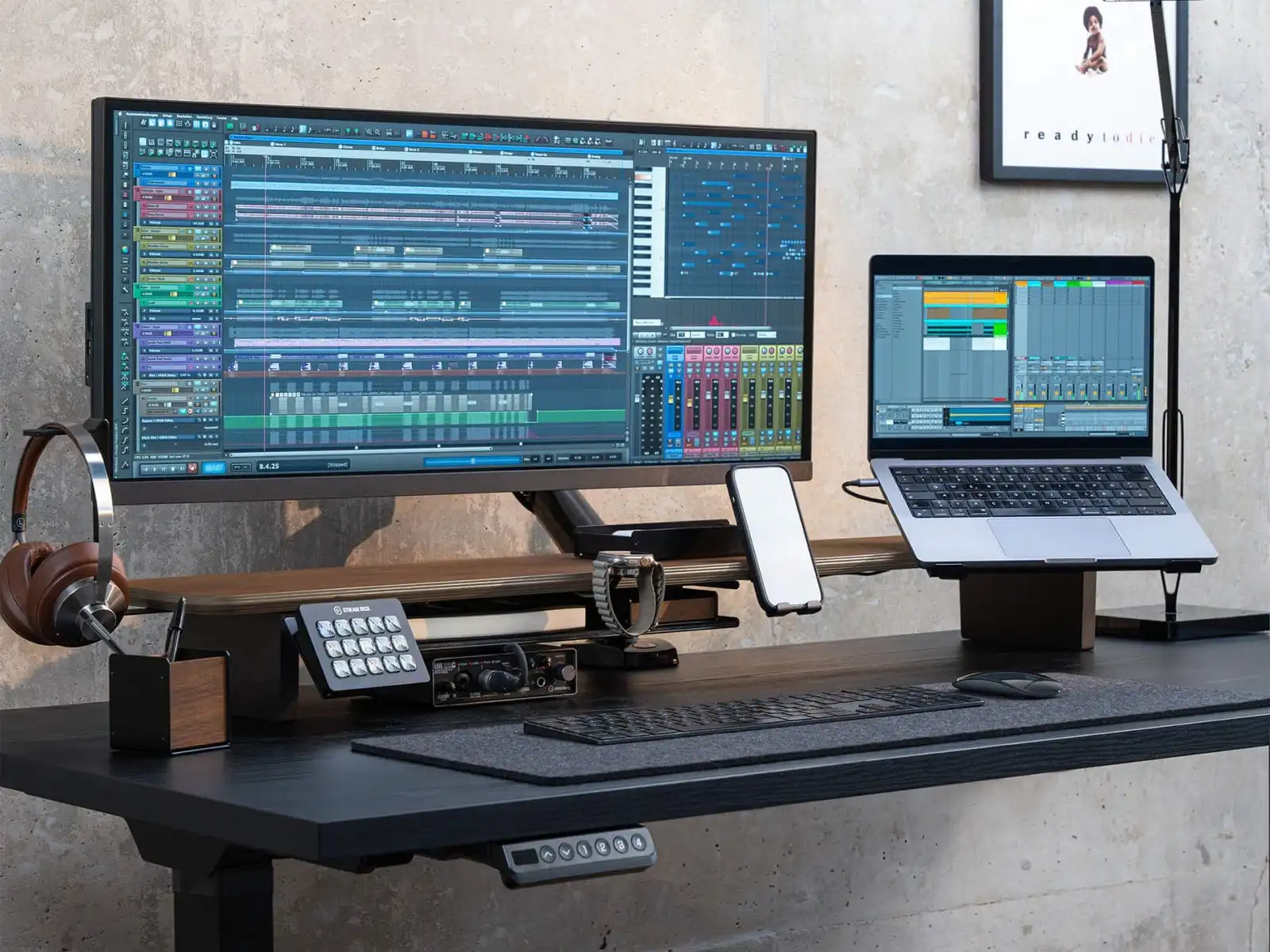
The monitor goes on the top shelf, everything else finds a home underneath. Cleared more desk space than I expected and the solid wood doesn't feel cheap.
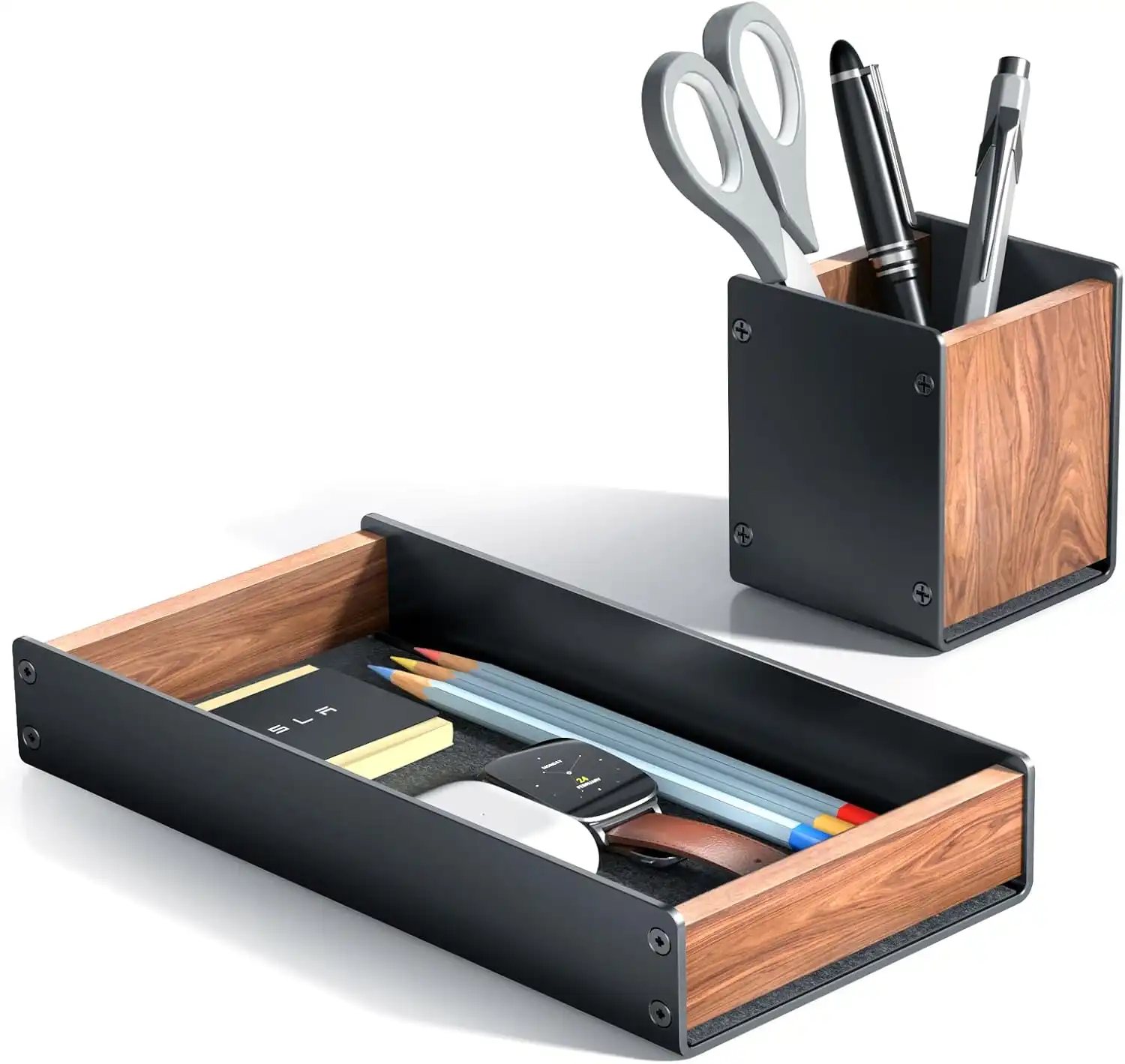
Sits on the lower shelf. Sunglasses, pen, chapstick - stops them from floating around the desk.
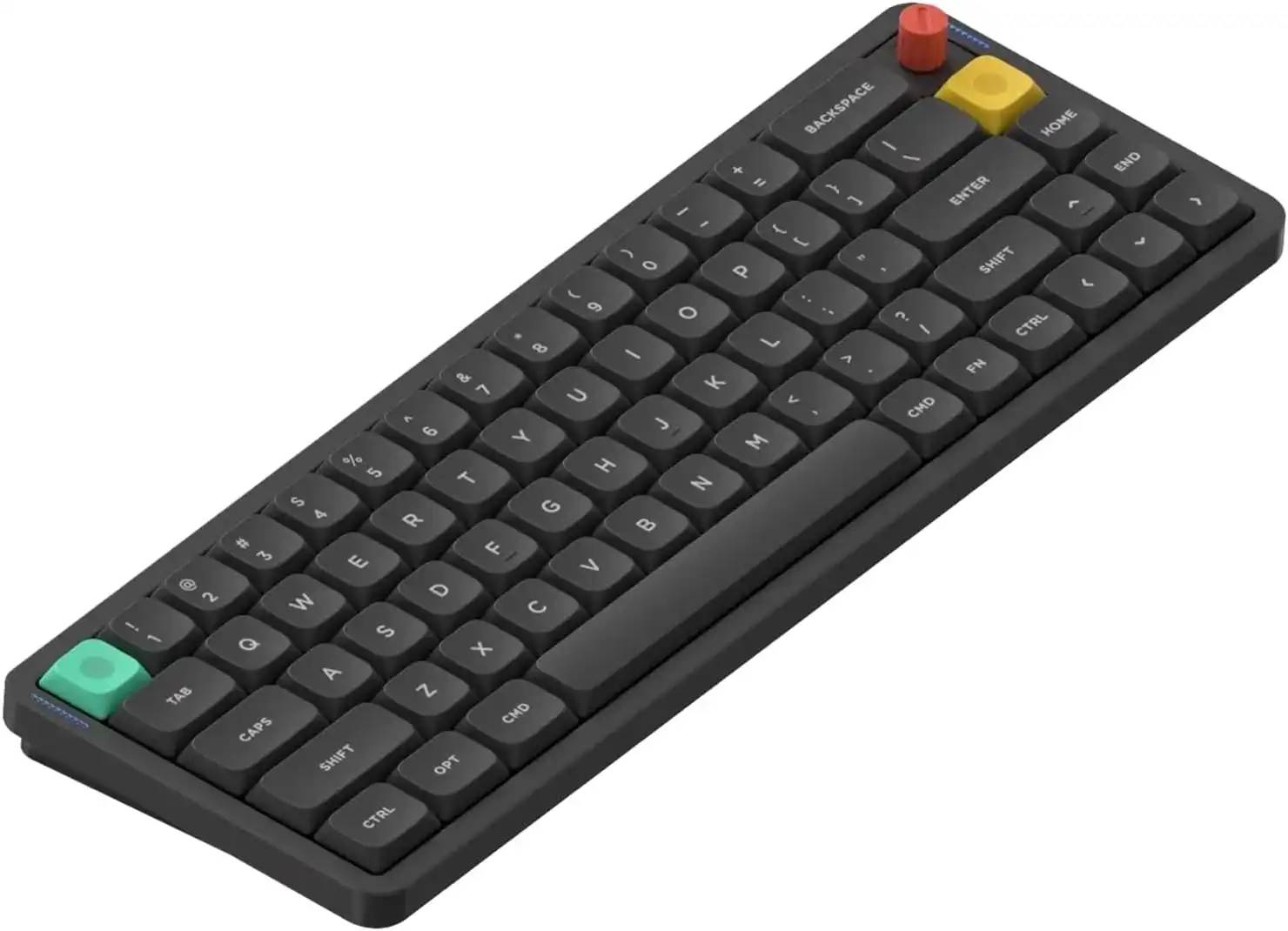
The switches feel noticeably better than any laptop keyboard. Compact enough that I use it everywhere - on the desk, in a café, on a flight. Upgraded from the Air60 v2 to this 65% layout for the gasket mount and dedicated nav keys.
No numpad. If you do a lot of spreadsheet work or gaming that needs one, get the full-size version.
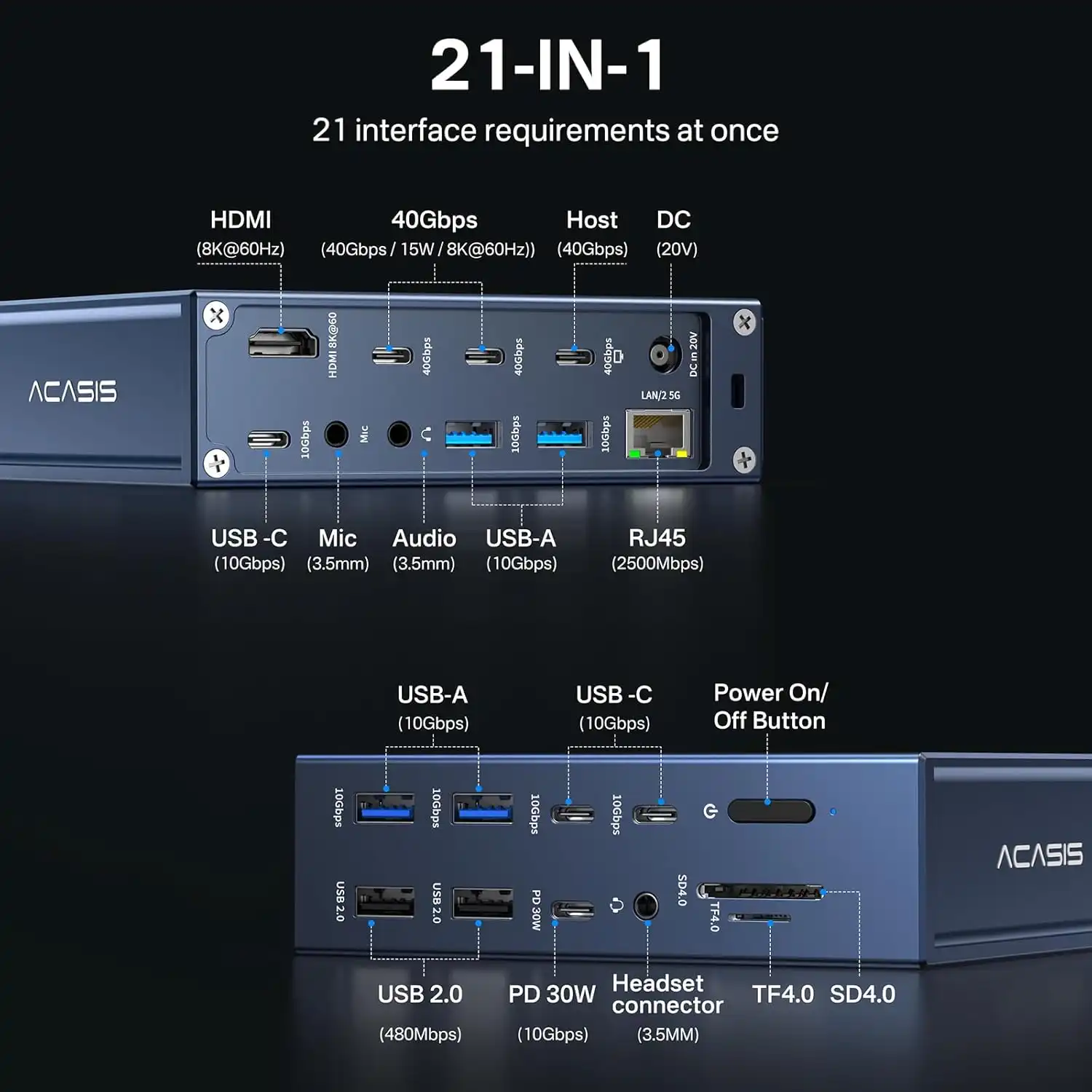
I plug in one cable and my monitor, external drives, and power all connect. It works exactly as advertised, which feels notable for a Thunderbolt dock - these have a reputation for being finicky.
Requires Thunderbolt 4 to get full speeds. USB-C-only machines will connect but lose some bandwidth. Supports two external displays - if you run three, look elsewhere.
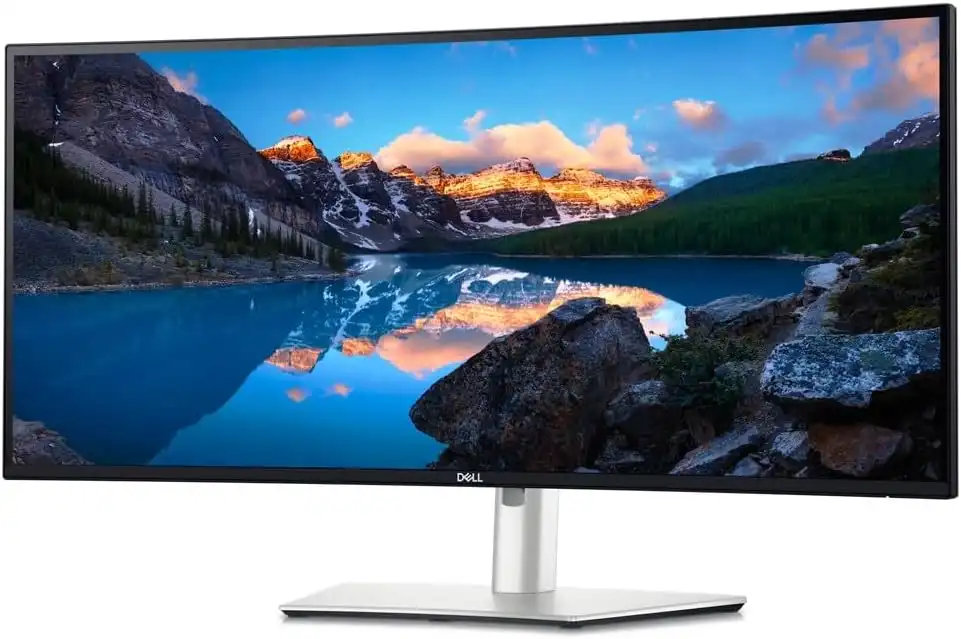
Switching from dual monitors was the right call. The wide field of view keeps everything in one continuous visual space. The built-in KVM lets me switch between my personal and work machines with a keyboard shortcut - one cable per machine, no KVM box.
Needs about 32 inches of desk depth to sit comfortably. 120Hz is smooth for productivity, but this is a work monitor, not a high-refresh esports panel.